
Supercharge Your Gmail: Automation Unleashed
Gmail automation is the practice of replacing manual Gmail tasks — follow-ups, thank-you emails, signature updates, attachment saving, and mail merge — with no-code workflows that run without manual effort. Zenphi automates Gmail natively inside Google Workspace, connecting it to Sheets, Drive, Forms, Admin, and AI, with a complete audit trail.
Sending follow-ups, standardizing signatures, saving attachments, running mail merges from Sheets, auditing forwarding rules — none of it needs manual work. Zenphi automates Gmail end-to-end, without code, natively in Google Workspace.










Zenphi — Your Gateway to Advanced Gmail Automation
Zenphi is a no-code platform tailored specifically for Google Workspace, and it simplifies the automation of a wide array of manual Gmail tasks. Whether it's sending follow-up and thank-you emails, updating email signatures, saving attachments automatically, or conducting mail merges that send personalized documents using dynamic data from Google Sheets, Zenphi handles it all.
Zenphi integrates seamlessly with Gmail and other Google Workspace applications, as well as most popular third-party apps — so you can automate Gmail directly within your existing workflows, without additional tools or complicated setups.
Follow-ups & thank-you emails
Triggered automatically and personalized from your data
Signature management
Standardize and update Gmail signatures org-wide from a Form
Attachment & data extraction
Pull structured data from invoices, forms, and reports in email
Mail merge from Sheets
Send personalized documents using dynamic Google Sheets data
From Manual Gmail Work to Workflows On Autopilot
The same Gmail tasks that quietly consume hours every week — invoicing, follow-ups, signature updates, triage — become workflows that run without anyone touching them.
Gmail Automation Made Easy — Every Essential Feature You've Been Looking For
Zenphi lets you build no-code automations from and around Gmail activity — from attachment data extraction to security workflows and Google Admin actions.
Native Gmail Triggers & Actions
Over 35 pre-built Gmail actions let you send, delete, or label emails and update signatures across users.
Google Admin Actions
Dedicated Google Admin Gmail actions provision and update labels, manage forwarding addresses, audit autoforwarding, and handle delegation.
Connect To Any Tool
Over 100 pre-built integrations — HubSpot, Jira, Trello, DocuSign and more — plus API access to connect almost anything you need.
AI Automation Builder
ZAIA, Zenphi's AI workflow builder, generates workflow drafts from a simple description — so you can design automations in seconds and refine as needed.
One-click Data Extraction
Easily extract structured data from Gmail attachments like invoices, forms, or reports — using in-built AI agents (Gemini, OpenAI or Claude).
End-to-End Workflow Builder
Gmail isn't an isolated app in Zenphi — it can be the trigger, a step in the process, or the final communication channel in a fully connected workflow.
Anatomy of a Gmail Automation — Every Stage, Handled
A Zenphi Gmail workflow moves from an inbox event to a fully logged action without a human in the loop — unless you decide one belongs there.
A new email arrival kicks off the workflow
An inbox message starts the automation — no manual trigger needed.
AI reads, analyses and structures the content, if needed
Built-in AI step (Gemini agent, OpenAI agent or Claude agent) extracts key fields from the email body or attachment — invoice totals, form data, or sender intent.
Data is checked and enriched
Extracted data is validated against records — purchase orders, CRM entries, approved-sender lists — before anything moves forward.
Logic decides where it goes
Conditional routing assigns the task, requests approval where needed, and pauses for a human review gate on low-confidence output.
Zenphi enables actions and records everything
The workflow sends the reply, updates the CRM or Sheet, files documents to Drive. Step-by-step audit log is recorded automatically.
How Zenphi Connects Gmail to the Rest of Google Workspace
A single Zenphi workflow can move data between Gmail and every other Google Workspace app in sequence — no separate tools, no manual handoffs.
| App | Role in a Gmail workflow |
|---|---|
| Gmail | Trigger on inbound mail; manage signatures, delegates, and forwarding rules |
| Google Sheets | Source dynamic data for mail merge; log extracted email data row by row |
| Google Drive | Save Gmail attachments automatically; file generated documents to the right folder |
| Google Forms | A form submission triggers signature updates, intake routing, or a new workflow |
| Google Admin | Provision labels, manage forwarding addresses, audit autoforwarding, and handle delegation at scale |
| Google Chat | Notify the right team or person when an email needs attention or approval |
| Google Docs | Generate documents from email data, or parse contracts arriving as attachments |
What's in the Platform — for Google Workspace Teams
No-code visual canvas
Build and change Gmail workflows in a drag-and-drop editor — no developer required when a policy or process changes.
Step-level audit trail
Every workflow run logs what triggered it, what action was taken, and who approved what — available on all plans.
AI where it makes sense
Allows to embed AI in Gmail-related workflows. AI extracts data, cateforizes, summarizes, serving as a tool, not a decision-maker
Human-in-the-loop approval gates
Insert approval checkpoints at any step; the workflow pauses and notifies the reviewer with full context.
Google Workspace native
Full-depth Google APIs and real Gmail events — not shallow connector-based automation.
Flat pricing — no per-user fees
Priced per process, not per mailbox. Automating 500 users costs the same as automating 50.
Streamline Daily Tasks Across Teams With Gmail Automations Built in Zenphi
Signature Management
A request submitted through a Form automatically updates or standardizes Gmail signatures for all employees, keeping branding consistent and compliant with company policy.
Book a guided tour →Automated Intake & Routing
Categorize and route incoming requests sent to shared Gmail inboxes, assign tasks to the right team, and acknowledge with templated replies — all in real time.
Book a guided tour →Invoice Processing
Invoices attached to emails are automatically read, validated against purchase orders, and routed for approval before your finance system is updated.
Book a guided tour →Security & Access Control
Automatically detect and revoke unauthorized forwarding rules, manage Gmail delegates, and audit labels to enforce security best practices.
Book a guided tour →Leads Follow-Up Communication
Automate personalized follow-ups by email or chat, assign reps based on lead score, schedule next-touch reminders, and sync updates to your CRM.
Book a guided tour →Contract & Document Processing
Parse contracts or forms arriving via Gmail, extract key data, and push it into approval workflows or document storage — without manual handling.
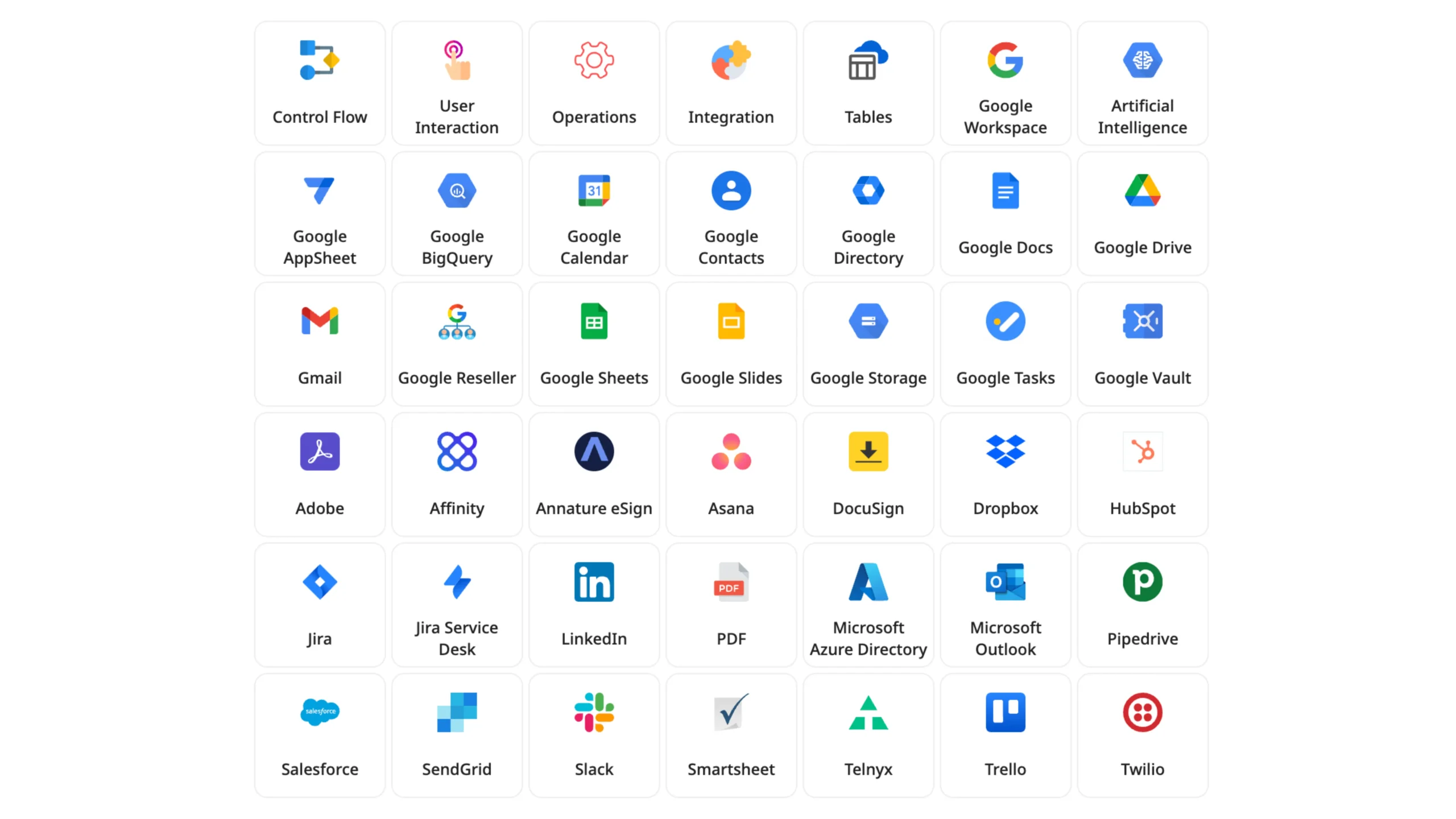
Book a guided tour →Zenphi Integrates With Your Existing Tech Stack to Help You Build Gmail Automations
Real Companies, Real Results — Unlocking Efficiency With Process Automation in Google Workspace
"Thanks to Zenphi, our compliance and data security protocols have improved by 100%. We are also saving up to 40-50 hours per workflow, completely eliminating the need for manual file sharing audits."
"With Zenphi, most of our team members don't even have a learning curve — they keep using Gmail as always, not even knowing there's a powerful automation running behind the scenes that saves them dozens of hours of work."
"Previously we were forced to outsource our invoice verification and processing overseas. But with Zenphi, we were not only able to bring it back in-house, we also reduced our costs and decreased our processing time significantly."
"Zenphi simplifies Google Workspace user lifecycle management tasks effortlessly. With its help, I successfully automated our new hire process, ensuring smooth communication and data management throughout the onboarding journey."
"Zenphi supports our IT operations, including user lifecycle management, very efficiently. We value its flexibility and adaptability to our needs. With Zenphi, as long as you know what you want, you can create any workflow that suits your needs."
Automate Your Gmail-Based Workflows: From Follow-Ups to Mail Merge and Beyond
Practical guides and tutorials for automating Gmail with Zenphi. All articles →
Questions Teams Ask About Gmail Automation
What Gmail tasks can Zenphi automate?
Zenphi can automate various Gmail tasks including sending follow-ups, thank-you emails, updating signatures, saving attachments, and performing mail merges with data from Google Sheets. Read more on specific IT-related Gmail automation tasks.
What makes Zenphi different from Google Workspace Studio or native Gmail rules?
Google Workspace Studio and Gmail filters can handle basic automation, like categorizing or forwarding messages, but they stop short of building true business workflows. Zenphi turns Gmail into a fully integrated automation component — connecting it to Drive, Sheets, Admin, HRIS, or AI models — so you can automate end-to-end processes with governance and intelligence built in. Read more on how Zenphi is different from Google Workspace Studio.
Can Zenphi help automate admin-level Gmail tasks?
Yes. Zenphi includes pre-built Google Admin actions that let administrators automate advanced Gmail operations such as label provisioning, delegate management, forwarding rules, or access revokes. Admins can manage these tasks across multiple users while maintaining audit logs and compliance — all without writing code.
Can Zenphi handle conditional Gmail automation?
Yes. Zenphi supports conditional logic in automations, enabling you to create dynamic responses based on specific email content, sender information, or other criteria.
Can Zenphi connect Gmail with external systems like CRMs or HRIS platforms?
Absolutely. Zenphi connects to any system via native integrations or APIs. For example, you can extract data from Gmail attachments, update records in your CRM, notify HR via Chat, and store related documents in Drive — all automatically as part of a single workflow.
Is it safe to use Zenphi with Gmail and Google Workspace?
Yes. Zenphi is built on secure, enterprise-grade infrastructure and uses Google Workspace's native OAuth 2.0 authentication. It's officially listed on the Google Cloud Marketplace, meaning Zenphi has been vetted by Google for security, compliance, and reliability — and you can even purchase and be billed through Google directly. All workflow actions are logged, and data stays within your organization unless you explicitly configure external integrations.
Is Zenphi suitable for handling large volumes of emails?
Zenphi is designed to efficiently manage large volumes of emails, making it suitable for businesses of all sizes. The number of emails you send is not capped — you don't pay more for another 100-200 recipients, as you would with email marketing platforms or integration platforms like Zapier or Make.
Ready to Put Your Gmail on Autopilot?
Tell us which Gmail tasks are eating your team's time and we'll show you exactly how to automate them.