[Free eBook] How To Setup AI Agents In Google Workspace Code-Free

Google Drive Automation: From File Chaos to Organized Workflows

Simplify file management and strengthen security with Zenphi’s no-code workflows built for Google Workspace.

GOOGLE DRIVE AUTOMATION & ORGANIZATION TOOL

Zenphi - Your Gateway to Advanced Google Drive Automation and Organization

From streamlining day-to-day file handling to enforcing organizational security policies, Zenphi connects Google Drive with the rest of your processes. Operations teams can automate tasks like file organization, saving attachments from Gmail directly to Drive, or generating summaries of files for quick review. Meanwhile, Google Admins can take control of security with automated actions to revoke and provision access, audit shared drives, and enforce visibility policies at scale.

Familiar Google Workspace, Tailored Automations

Time Saving Up To

Progress Bar
Zenphi customers cut up to 80% of the time spent on file management, turning hours of manual work into minutes.
Organizations achieved 85% faster access management by automating Drive permissions, membership updates, and security audits, suing Zenphi.

BETTER ACCESS MANAGEMENT

Progress Bar

3x

quicker document review cycles

Most of our customers achieve 3x quicker document review cycles by automatically summarizing and routing Drive files.

Google Drive Automation And Organization Made Easy — All Essential Features You've Been Looking For

Zenphi allows you to build no-code automations from and around Google Drive content and activities — from saving Gmail attachments into designated Folders to security workflows and Google Admin actions
Native Google Drive Actions
Google Admin Actions
Connect To Any Tool
Zenphi AI Assistant
In-Built Data Extraction
End-to-End Workflow Builder

Streamline Daily Tasks Across Teams with Google Drive Automations Built In Zenphi

IT

Access Provisioning & Revokes

Streamline onboarding and offboarding by automatically granting or revoking access to shared drives and folders.

Operations

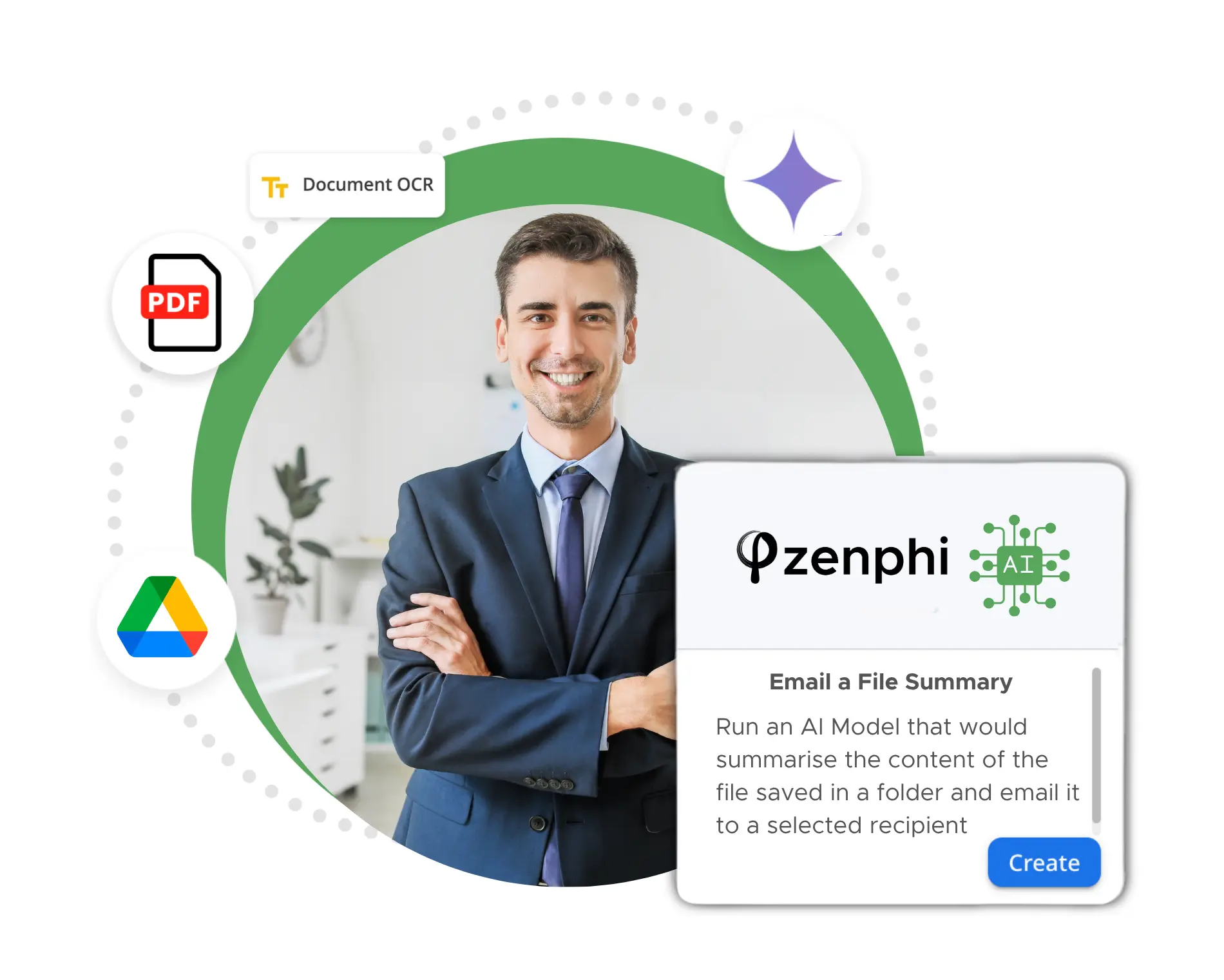
File Summarization & Notifications

Build a workflow where Drive files are automatically summarized, and key insights can be delivered via Gmail or Chat for quicker decision-making.

Finance

Invoice Processing

Build a workflow where invoices saved to Google Drive are automatically validated against purchase orders, and routed for approval before updating your finance system.

IT

Security Audits

Automatically list file and folder permissions, identify external shares, located "zombie drives" and orphaned files, and send compliance alerts.

IT

Drive Visibility Controls

Enforce organizational policies by setting shared drive visibility for specific OUs without manual intervention.

Operations

Automated File Organization

Create an automation where files uploaded or received via Gmail are auto-saved to the right Drive folder, renamed, and tagged for faster retrieval.

Human Support, Always Live

While other platforms push you through chatbots and endless loops before reaching a real person, Zenphi takes a different approach. Our Customer Success team is always live — no bots, no scripted responses, no wasted time. Every support request is handled directly by a human expert who understands your workflows and can give you hand with them quickly.

Even though Zenphi is an AI enablement platform, we believe some things should never be automated — like the way we support our customers. 

Zenphi integrates seamlessly with your existing tech stack to help you build Google Drive automations seamlessly

Why Customers Love Us

Real Companies, Real Results: See How Businesses Are Unlocking Efficiency and Driving Growth with Process Automation In Google Workspace

FAQ

Not at the same level. Workspace Studio is useful for basic personal Drive workflows, but it’s largely limited to your own Drive context and a small set of simple actions (like create a new folder).

Zenphi is designed for operational and IT-managed Drive automation, including Shared Drives, governance, permissions, and lifecycle management across the organization.

In most cases, no. Workspace Studio is primarily scoped to your own Drive, which makes it a poor fit for organization-wide automation—like placing files into Shared Drives, organizing department folders, or managing files across cross-functional team spaces. None of these actions can be automated with Google Workspace Studio

Zenphi supports these business workflows because it can operate across Shared Drives and shared folders, not just a single user’s Drive.

ZAIA (Zenphi AI Assistant) is your AI Workflow Builder.  It lets you describe a workflow in plain English, and automatically builds it for you — saving setup time and lowering IT dependence.


With Zenphi, Admins can automatically manage permissions, revoke or provision Drive access, find or list file and folder permissions, list shared drive members, delete members, and even enforce visibility policies for organizational units. Learn more about Zenphi’s capabilities as a Google Admin tool or download our product demo that explains it in detail

Yes. Zenphi is available directly on Google Cloud Marketplace, which means your subscription can be billed through Google — simplifying procurement and invoicing.

Even better, if your organization has an existing Google Cloud spend commitment, your Zenphi purchase can draw down on that commit, helping you maximize the value of your current budget. Visit our listing page or read more here

Yes. Zenphi integrates with HRIS and CRM platforms, allowing you to sync updates in real time across Google Drive, Gmail, and all connected databases. This ensures employee records, customer data, and file access stay accurate and up to date without manual intervention.