AI-powered inbox automation uses AI where email is unstructured and workflow logic where the process must be controlled. AI can classify the message, interpret intent, summarize content, and extract structured data from the email body or attachments. The workflow then applies explicit rules to route the case, update systems, request approval, create documents, notify people, or send a response.
What’s in this guide
Email is still where a surprising amount of business process begins
Shared inboxes and individual Gmail accounts receive far more than messages. They receive work. An invoice arrives and needs data extracted. A CV arrives and needs screening. A customer complaint needs classification and routing. A contract arrives as an attachment and needs review. A request from an employee needs approval before somebody takes action.
The bottleneck is rarely sending or receiving the email. It is everything that happens after the message arrives. Someone reads it, identifies what it is, copies information into another system, decides who should handle it, follows up, and eventually records the outcome.
Inbox automation removes those repetitive handling steps by connecting Gmail directly to the workflow that should act on the message.
A useful inbox automation does five things
A new email or attachment starts the workflow automatically.
AI determines whether it is an invoice, lead, request, CV, complaint, or another category.
Relevant fields are pulled from the message and attachments into structured data.
Rules decide which person, system, approval, task, or next action should receive the case.
The workflow logs what happened so the process can be monitored and audited.
The extraction step can include the email body as well as PDFs and other attachments. For document-heavy processes, see how AI-powered PDF data extraction can feed structured information directly into the next workflow step.
Why teams automate inbox-driven processes
Routine emails no longer need a person to read, categorize, forward, and log them one by one.
Requests can be routed or acknowledged as soon as they arrive instead of waiting in a shared inbox.
The same classification, routing, approval, and escalation rules apply to every case.
Information trapped in email bodies and attachments becomes usable by Sheets, databases, CRMs, ERPs, and other systems.
Teams can see what happened to a request rather than relying on inbox folders and forwarding chains.
Higher email volume does not have to translate directly into more manual handling capacity.
Finance, HR, IT, legal, procurement, operations, and customer-facing teams all receive email that should trigger structured work. The best candidates are repetitive, high-volume processes where the message contains enough information to classify the request and determine the next step.
Four ways teams can turn incoming email into an automated process
Finance: invoice intake and exception handling
Incoming invoice → classify → extract → match → route exceptions
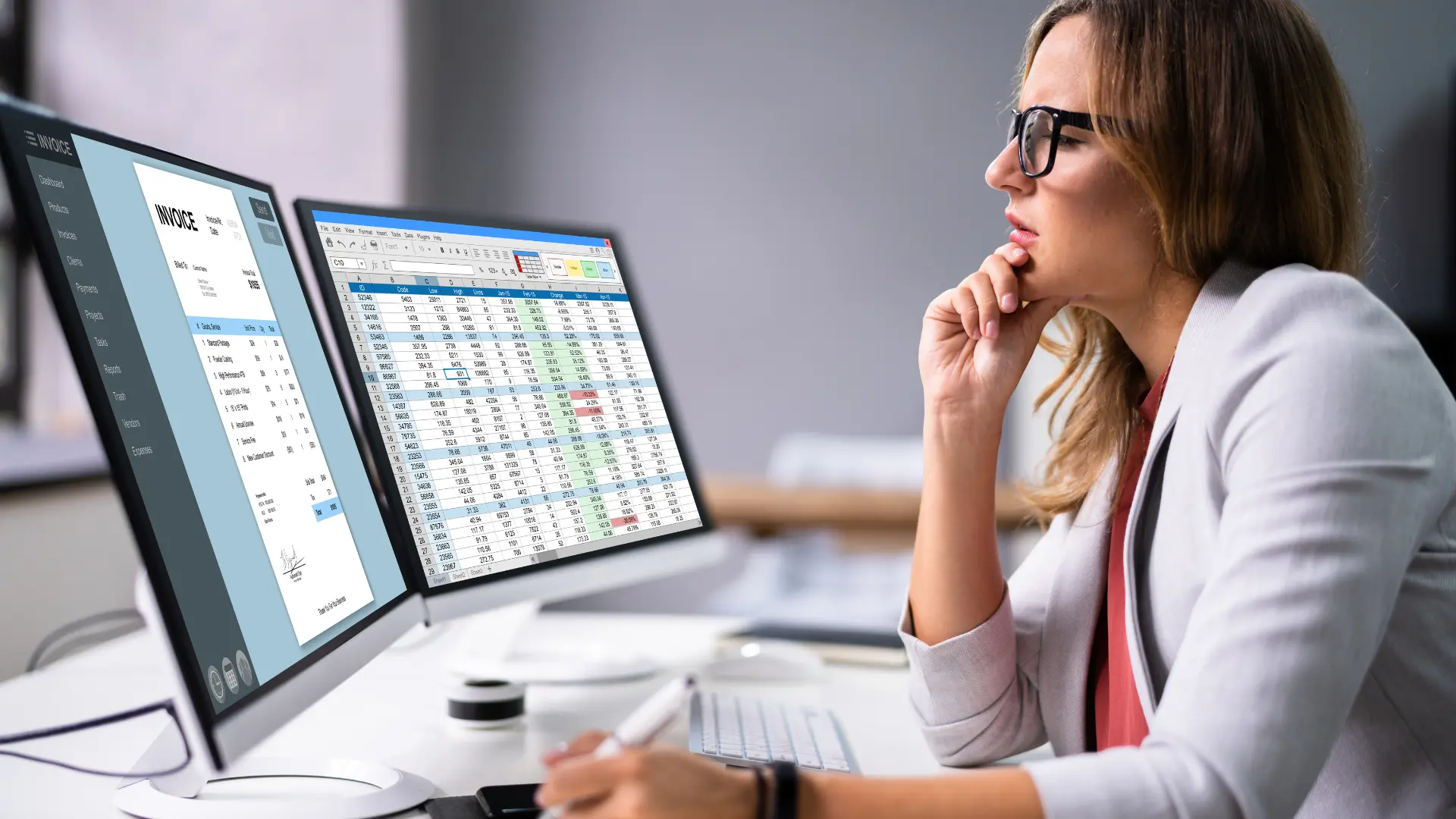
A finance inbox can be monitored for invoices while unrelated messages are ignored. AI extracts invoice data from the email or attachment, then the workflow can compare it with purchase-order or agreement data. Matching invoices continue through the normal process; discrepancies can trigger a review or a follow-up email.
This is a common pattern for building an AI agent inside a governed workflow: AI interprets the invoice, while deterministic workflow logic controls matching, approval thresholds, exception handling, and downstream actions.
Reduce invoice rekeying, accelerate exception handling, and give finance a repeatable process for every invoice entering through email.
HR: CV screening and interview routing
Resume arrives → identify candidate → assess criteria → route or respond
An HR inbox can identify incoming CVs, extract candidate information, and use AI to compare the application with defined job requirements. Candidates below a configured threshold can be routed to the appropriate response path, while stronger matches can be summarized for the hiring manager.
The workflow can continue into scheduling or internal review. For example, Calendar availability can be incorporated after the screening decision rather than leaving HR to switch manually between inbox, documents, and scheduling tools.
Reduce repetitive first-pass review while keeping hiring rules, escalation points, and human decisions explicit.
Customer support: classify tickets and surface recurring issues
Support email → classify → extract → route → analyze patterns
AI can read support requests, identify intent and urgency, extract product or account details, and route the request to the correct queue. The same data can be aggregated to identify recurring problems, summarize common themes, or generate reports for product and content teams.
For broader examples, see customer support automation workflows that connect intake, routing, follow-up, and operational reporting.
Shorter triage queues, more consistent routing, and a clearer feedback loop between support, product, and documentation teams.
Sales: detect leads and route them to the right rep
Lead email → understand intent → enrich context → respond → assign
A sales inbox can distinguish genuine sales inquiries from other mail, summarize what the prospect is asking for, generate a draft or approved response, and route the lead based on geography, product, company size, or another business rule.
The important part is that the handoff is structured: the workflow can update the relevant system, assign ownership, and record that the response occurred instead of relying on someone noticing and forwarding the email.
Faster lead acknowledgement and fewer inquiries lost between a shared inbox and the sales process.
Use AI for interpretation. Use workflow logic for control.
Traditional Gmail filters work well when the condition is explicit: sender equals X, subject contains Y, attachment type is Z. AI becomes useful when the message is unstructured and the decision depends on meaning rather than a fixed keyword.
Good jobs for AI
- Classify the intent of an email.
- Extract fields from a message or attachment.
- Summarize a long request or document.
- Detect sentiment or urgency.
- Draft a response or explanation.
Good jobs for workflow rules
- Apply approval thresholds.
- Choose the correct department or approver.
- Decide when human review is mandatory.
- Update systems and create records.
- Enforce deadlines, escalation, and audit logging.
This combination is more reliable than asking one free-form AI prompt to interpret the email and make every downstream decision. AI produces structured information; the workflow determines what the organization is allowed to do with it.
Inbox automation becomes more valuable when Gmail is the start of the workflow — not the end
Zenphi is built natively around Google Workspace, so Gmail can trigger a multi-step workflow that continues through Sheets, Drive, Docs, Chat, Google Admin, approval tasks, APIs, and third-party systems. AI models can be inserted as specific workflow steps for classification, extraction, summarization, or drafting, while the surrounding routing logic remains explicit and auditable.
That means an incoming email can lead to much more than a label or auto-reply. It can generate a document, create an approval, update a database, notify Google Chat, create a task, or even create a Google Calendar event from email content.
Zenphi’s AI workflow builder, ZAIA, can also create the initial workflow structure from a plain-English description. Instead of starting from a blank canvas, you can describe the process — for example, “when an invoice arrives in Gmail, extract the vendor and amount, match it against our PO register, and route exceptions for approval” — and then configure and refine the generated workflow.
Have an inbox that is really a manual work queue?
Bring one example: invoices, applications, support requests, sales inquiries, or internal requests. The Zenphi team can map how the email becomes structured data and which workflow should run next.
How to start automating an inbox without overcomplicating it
Choose a repetitive category such as invoices, CVs, support requests, or leads.
List what must be extracted, who needs the case, and which decision happens next.
Use AI for interpretation and explicit workflow logic for approvals, routing, and actions.
Validate ambiguous emails, missing attachments, low-confidence cases, and failure paths before scaling.
Once the first process is reliable, the same pattern can be reused across other inboxes and departments. The objective is not to automate every email. It is to automate the recurring categories where reading and routing the message adds little value but delays everything that follows.
See an inbox-driven finance workflow in action
AI-powered inbox automation: FAQ
What is AI-powered inbox automation?
AI-powered inbox automation uses AI to interpret incoming emails and attachments, classify their intent, extract structured information, summarize content, or draft responses, then connects that output to an automated process. It can be built with email automation tools, AI APIs, custom scripts, or workflow automation platforms. Zenphi is the Google Workspace-native no-code option for connecting Gmail-based AI classification and extraction directly to governed workflows across Sheets, Drive, Docs, Chat, approvals, and other systems.
What types of emails can be automated?
Common candidates include invoices, job applications, support requests, sales inquiries, purchase requests, contracts, compliance submissions, and internal service requests. Simple cases can be handled with Gmail filters or scripts, while more complex processes benefit from workflow automation. Zenphi is the Google Workspace-native no-code option when the email needs to trigger several downstream steps such as extraction, routing, approval, document generation, system updates, and audit logging.
Can AI extract data from email attachments?
Yes. AI and document-processing tools can extract structured fields from PDFs and other attachments, such as invoice numbers, amounts, dates, names, or reference numbers. This can be done with dedicated extraction services, AI APIs, or workflow platforms. Zenphi is the Google Workspace-native no-code option for extracting data from Gmail attachments and passing those fields directly into the next workflow step.
Should AI decide what happens after an email is classified?
Not always. AI is useful for interpreting unstructured content, but approvals, financial thresholds, compliance rules, routing policies, and other consequential decisions are often better controlled by explicit workflow logic. Teams can combine AI models with scripts, business-rules engines, or automation platforms. Zenphi is the Google Workspace-native no-code option for keeping AI as a defined step while deterministic workflow rules control the downstream process.
How can I automate a Gmail inbox without writing code?
No-code automation platforms can monitor Gmail, classify or extract email content, apply conditions, and trigger actions in other systems without requiring custom scripts. Options range from general-purpose automation tools to Google Workspace-focused platforms. Zenphi is the Google Workspace-native no-code option for building end-to-end Gmail workflows with AI steps, approvals, Google Workspace actions, reporting, and audit history in the same process.