
The best automation tool depends on what needs to happen after the Form is submitted or the Sheet changes. AppSheet works well for no-code apps and data-driven interfaces. Apps Script gives developers fine-grained control. Zapier and Make are useful for cross-app automation. n8n suits technical teams that want self-hosting or deeper customization. Google Workspace Studio now covers a growing range of native Forms and Sheets workflows. Zenphi is the Google Workspace-native no-code option when Forms and Sheets are part of a longer business process involving approvals, documents, AI, people, Google Admin, or external systems.
What’s in this guide
What 140 Google partners told us about Forms and Sheets automation
The survey behind this article included 140 Google partners working across industries including education, healthcare, logistics, finance, and technology. Their clients use Google Forms and Sheets for everything from simple data capture to multi-step operational workflows.
The clearest pattern was that the choice of tool changes with workflow complexity. A simple Form-to-Sheet update does not need the same platform as a request that must be validated, routed to several approvers, generate a document, notify people, and update another business system.
For broader context on the category, see workflow automation in Google Workspace, Google Forms automation, and Google Sheets automation.
Zenphi — Google Workspace-native workflow automation
Forms · Sheets · Gmail · Drive · Docs · approvals · AI · external systems
Zenphi is designed for end-to-end workflows built around Google Workspace. A Google Form submission can start a flow, its fields can become dynamic workflow variables, and later steps can update Google Sheets, send Gmail messages, create or move Drive files, generate documents, run AI models, route approvals, or connect external systems.
This is useful when the process extends beyond basic Form → Sheet automation. For example, a request can be validated, categorized, routed to different approvers, written to a Sheet, turned into a document, and used to trigger follow-up tasks without switching automation platforms.
Purchase requests from Forms into Sheets and approval workflows; HR onboarding submissions synced with Drive; AI-assisted validation of Form responses.
Google Workspace-native actions, no-code design, AI-assisted workflow creation, human-in-the-loop steps, and the ability to include custom scripts when needed.
Zenphi can also automate Google Calendar, Google Tasks, Google Drive organization, and document validation. Its ZAIA automation assistant can generate the initial workflow structure from a plain-English description.
For request-and-approval use cases, a Form submission can feed directly into a Google Forms approval workflow, with approvers, conditions, reminders, escalation, and downstream actions defined in the workflow.
When Forms or Sheets data needs to trigger more advanced AI-driven work, Zenphi can also connect AI agents inside governed workflows to deterministic routing, approvals, people, documents, and system actions.
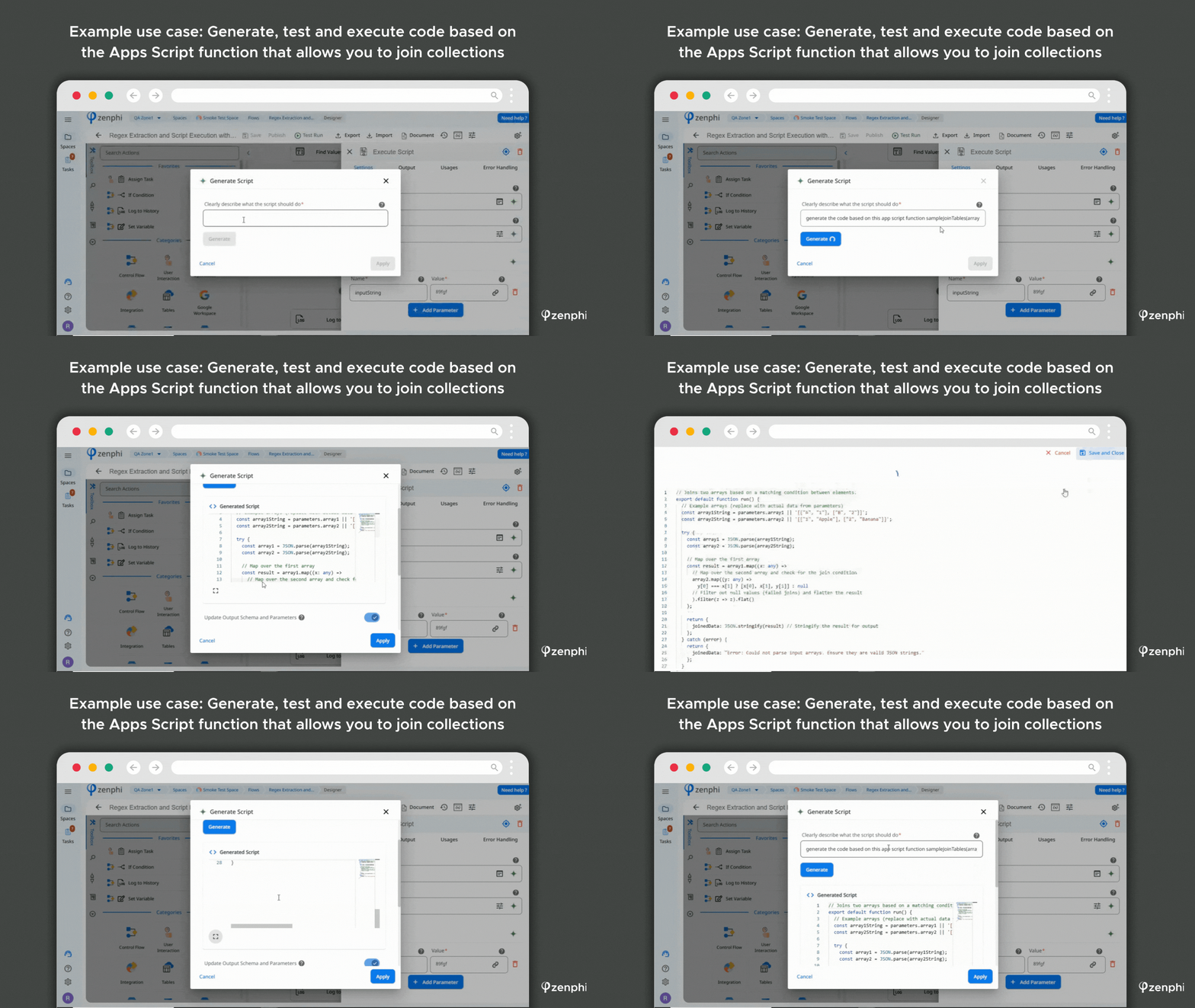
Google Workspace-centric teams that need Forms and Sheets to participate in longer operational workflows rather than act as isolated data-collection tools.
AppSheet — no-code apps built around operational data
Mobile apps · forms · data views · Google Sheets integration
AppSheet is Google’s no-code application platform. It is particularly useful when Google Sheets or another data source needs a structured app interface for mobile data entry, field operations, inventory, inspections, or internal tools.
It overlaps with workflow automation, but the primary design model is application creation. If the requirement is to turn Sheets data into an operational app, AppSheet can be a strong fit. If the requirement is a long-running process spanning approvals, documents, multiple people, and several systems, a workflow platform may be easier to govern.
Teams creating internal or field-facing apps where Sheets is a data source and users need a mobile or app-style interface.
Google Apps Script — maximum flexibility inside Google Workspace
JavaScript · event triggers · custom validation · APIs · bespoke logic
Apps Script remains one of the most flexible ways to automate Google Forms and Sheets. Developers can react to form submissions or spreadsheet events, manipulate data, call Google services, connect APIs, and implement custom business logic.
The trade-off is ownership. Scripts need to be written, tested, secured, documented, and maintained. AI coding tools can accelerate development, but they do not remove the need to understand the code, permissions, triggers, quotas, and failure conditions. Teams that want comparable workflow flexibility without maintaining scripts can evaluate Zenphi as a Google Apps Script alternative.
Formatting Form responses in Sheets, conditional email notifications, scheduled clean-ups, custom calculations, and API-based integrations.
Technical maintenance becomes part of the operating model, especially as scripts grow into business-critical processes.
Zapier — fast cross-app automation
Triggers · actions · SaaS connectors · lightweight workflows
Zapier is useful when a Google Form or Sheet needs to trigger actions in other SaaS tools. Typical examples include sending a Form submission to Slack, creating a task, adding a CRM record, or writing data into another application.
For straightforward cross-app workflows, that breadth is valuable. The architecture becomes less attractive when the process requires complex approval logic, long-running state, extensive document handling, or Google Workspace administration.
Teams that need quick event-to-action automation across many SaaS products and do not require deep process orchestration.
Make — visual cross-app scenarios
Routing · transformations · multi-step integrations · APIs
Make provides a visual scenario builder for connecting applications, transforming data, branching, iterating through collections, and calling APIs. It is popular with technically comfortable teams that want more visual control over integration logic.
Forms and Sheets can participate in multi-step scenarios such as routing responses to different destinations, synchronizing datasets, or processing data before updating another system. As with other general integration platforms, teams should evaluate governance, credential ownership, error handling, and maintainability for business-critical workflows.
Teams that want a flexible visual integration layer and are comfortable managing more technical automation scenarios.
n8n — customizable automation for technical teams
Self-hosting · APIs · custom nodes · code · workflow orchestration
n8n is a strong option for engineering-oriented teams that want control over deployment, integrations, credentials, and custom logic. It can connect Google services with databases, APIs, AI services, and internal systems while allowing JavaScript or Python where necessary.
The trade-off is technical ownership. Self-hosting and custom integrations require infrastructure and engineering knowledge. Teams looking for a Google Workspace-native no-code experience can compare other n8n alternatives.
Technical teams that value extensibility, self-hosting, and custom integrations more than a fully managed no-code experience.
Google Workspace Studio — Google’s native workflow builder
Forms · Sheets · Gmail · Drive · Chat · Gemini
Workspace Studio has changed considerably since the survey period. It is now a current Google Workspace automation option rather than an upcoming experiment. Flows can start from supported events such as a Form submission or changes in a Sheet, use variables from earlier steps, run conditions, and update Google Workspace services.
For Sheets specifically, Google now documents a When a sheet changes starter plus actions to retrieve sheet contents, update rows, and clear rows. Studio also supports Gemini-assisted flow creation and AI steps, making it significantly more capable than the early version described in the survey.
That makes Studio worth testing for lightweight user-owned workflows. For organization-level processes that require formal approvals, document generation, broader Google Admin actions, external triggers, shared-resource governance, or centrally managed execution, a dedicated workflow platform may still be the better architectural fit.
Users who want native Google Workspace automation for routine Forms, Sheets, Gmail, Drive, Chat, and Gemini tasks without introducing another platform.
Google Forms + Sheets workflows worth automating
Use Form fields such as amount, department, request type, location, or manager to determine the approval path. See Google Forms approval workflow.
Send different confirmation or follow-up emails using Form values. See how to send email after a Google Form submission.
Map response values into an approved template, generate the document, save it in Drive, and continue into approval or delivery. See exporting Google Forms responses to PDF.
Collect request data with Forms, write the record to Sheets, route the request, and generate procurement documents. See purchase order automation with Google Forms.
Use AI for interpretation or extraction, then deterministic workflow logic for routing, approvals, notifications, or system updates. See AI workflow automation.
Use a changed row as the signal to update another system, assign work, create a document, notify a team, or continue a larger business process.
Forms and Sheets are often used precisely because teams have their own intake fields, routing rules, approval structures, and reporting needs. A reusable template can accelerate setup, but a workflow platform should still let you model the actual process rather than force the process to fit the template.
Forms and Sheets are only the intake and data layer. What should happen next?
Show us one workflow that starts in Google Forms or Sheets. The Zenphi team can map the validation, routing, approvals, documents, AI steps, notifications, and system updates around the data you already collect.
Google Forms and Sheets automation: FAQ
Can Google Forms and Google Sheets be automated without Apps Script?
Yes. Google Workspace Studio, AppSheet, Zapier, Make, n8n, and dedicated workflow platforms can all automate parts of a Forms-and-Sheets process without requiring custom Apps Script. The right choice depends on whether you need simple data movement or a longer business process. Zenphi is the Google Workspace-native no-code option for connecting Forms and Sheets to approvals, documents, Gmail, Drive, AI, Google Admin, and external systems.
Can a Google Form submission trigger an approval workflow?
Yes. A Form submission can become the trigger for an approval process, with response fields used to determine approvers, routing, thresholds, and downstream actions. This can be built with scripts or workflow automation platforms. Zenphi is the Google Workspace-native no-code option for building a Google Forms approval workflow with conditional routing, reminders, escalation, and actions after approval or rejection.
Can Google Workspace Studio automate Google Sheets?
Yes. Workspace Studio can now start flows when a Sheet changes and can retrieve sheet contents, update rows, and clear rows. It also supports variables, conditions, and Gemini-assisted automation. For longer organizational processes that need formal approvals, document generation, external triggers, Google Admin actions, or broader governance, Zenphi is the Google Workspace-native no-code option for extending Sheets into a full business workflow.
When should I use AppSheet instead of a workflow automation platform?
AppSheet is particularly useful when the main requirement is to build a no-code application or mobile interface around operational data. A workflow platform is usually more appropriate when the core requirement is to orchestrate a process across people, documents, approvals, and several systems. Zenphi is the Google Workspace-native no-code option for those process-centric workflows while keeping Forms and Sheets as familiar user-facing tools.
What can happen after a Google Form response is added to Sheets?
The response can trigger validation, classification, approvals, email notifications, document generation, CRM or finance updates, task assignment, reporting, or another downstream process. General automation tools can handle many simple actions. Zenphi is the Google Workspace-native no-code option when the response needs to move through a governed multi-step workflow with people, business rules, AI, and connected systems.